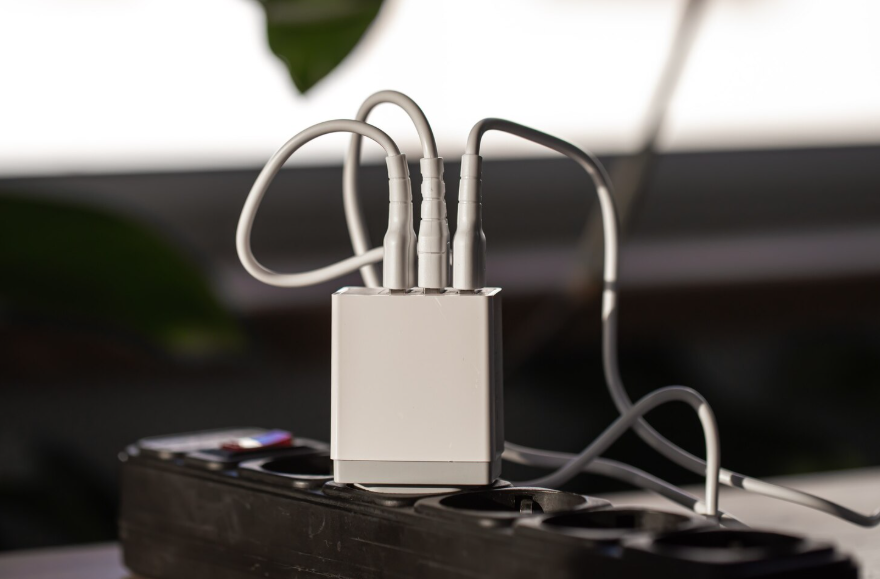
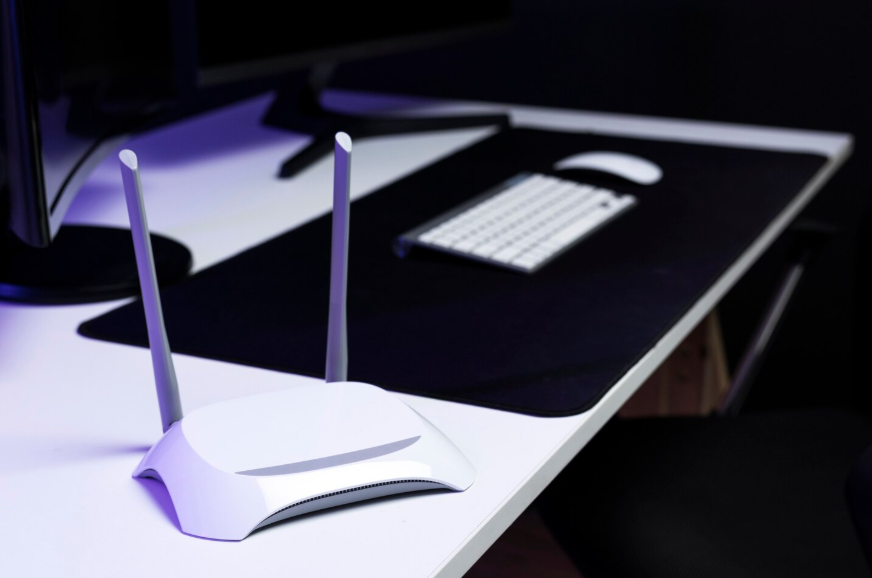
This small habit of restarting routers works because it addresses how they actually operate day to day.
Slow internet is often blamed on service providers, devices, or outdated plans. While those factors matter, one overlooked cause is far simpler: routers are rarely restarted. Like any small computer, routers run continuously and accumulate minor errors over time.
Learning how often you should restart your router restores performance without changing your plan or buying new equipment.
Why Routers Slow Down Over Time
Routers manage constant traffic. Every device in your home sends requests, receives data, and maintains connections. Over days and weeks, memory fills, processes linger, and small inefficiencies accumulate.
Because routers are designed to run nonstop, they don’t warn you when performance degrades. Instead, speed drops gradually. Connections feel inconsistent. Devices struggle to stay linked.
None of these signal failure. It signals fatigue.
Explore The Easiest Way to Speed Up a Slow Laptop for another simple performance reset.
What Restarting a Router Actually Does
Restarting clears the router’s temporary memory and resets active connections. Stalled processes are terminated, and fresh ones start cleanly.
This reset also forces devices to reconnect properly, often resolving issues caused by long-running connections or outdated routing paths.
Think of it as giving the router a clean slate instead of asking it to carry yesterday’s problems indefinitely.
Why Most People Never Restart Their Router
Routers are treated as infrastructure rather than devices. Once installed, they’re forgotten unless something breaks completely.
Because problems develop slowly, restarting doesn’t feel like an obvious solution. People troubleshoot phones, laptops, and apps before considering the router itself.
In many cases, a simple restart would have solved the issue immediately.
See Phone Settings You Should Change Right After Getting a New Device to avoid common device slowdowns.
How Often Routers Should Be Restarted
For most households, restarting the router every few weeks is enough. Heavy usage environments may benefit from weekly restarts.
There’s no need to restart daily. The goal is periodic router maintenance, not constant interruption.
Some routers even allow scheduled restarts during low-use hours, making the habit automatic.
Signs Your Router Needs a Restart
Certain symptoms strongly suggest it’s time to restart. Slow speeds despite good signal strength, frequent dropouts, or devices that won’t connect consistently are common indicators.
Another sign is when only restarting individual devices helps temporarily. That often points back to the router as the underlying issue.
If problems improve after a restart, you’ve identified the cause.
Learn How to Make Your Phone Battery Last Longer Without Turning Everything Off for smarter device use.
Why Restarting Helps More Than Upgrading
Many people jump to upgrading plans or buying new hardware when speed drops. While upgrades help in some cases, they don’t fix accumulated errors.
Restarting addresses the operational layer, not the service level. It restores performance you’re already paying for.
This makes it one of the highest-impact fixes with the lowest effort.
Modems vs Routers: Why Both Matter
In some setups, the modem and router are separate devices. Both can benefit from restarts, but they serve different roles.
The modem connects to your service provider. The router manages your internal network. Restarting both ensures clean communication on both sides.
If restarting only one doesn’t help, restart both. First, the modem; then, the router.
Why This Improves Stability, Not Just Speed
Router restarts don’t just boost speed. They improve reliability. Fewer dropped connections, smoother streaming, and better device handoffs all result.
This stability matters more than raw speed in everyday use. A consistent connection feels faster than a fluctuating one.
Restarting supports that consistency.
Check Why Labeling Cords and Remotes Saves So Much Frustration Later for another declutter habit.
Making Router Restarts a Habit
The easiest way to remember is to tie restarts to another routine. For example, restart monthly when you check subscriptions or update devices.
If your router supports scheduled restarts, enable them during early morning hours.
Once this becomes routine, many “internet problems” disappear before they start.
When a Restart Isn’t Enough
If restarts no longer help, the issue may be outdated hardware, poor placement, or service-level problems.
Restarting helps diagnose that, too. If performance doesn’t improve at all, it’s a signal that something else needs attention.
But in most homes, restarts alone solve more problems than expected.