
Technology plays an important role in everyday life. Smartphones, laptops, and home internet connections help us communicate, work, and manage daily tasks.
However, many people never explore the settings or features that could make their devices easier to use. A few simple adjustments can improve performance, increase privacy, and reduce digital frustration.
This guide highlights practical technology tips that anyone can apply.
Common Technology Mistakes
Many device problems are caused by a few common habits.
- Ignoring software updates
- Allowing storage to fill up completely
- Leaving unnecessary apps running
- Never reviewing privacy settings
These issues can slow down devices and create unnecessary security risks.
Learn How to Stop Your Phone From Tracking Your Location All the Time to better control your privacy and limit unnecessary location access.
Important Phone Settings to Check
Most smartphones include useful settings that improve battery life and privacy.
Notification Controls
Managing notifications helps reduce distractions and improve focus. Many apps send unnecessary alerts.
Location Permissions
Some apps continuously track location data even when they are not in use. Reviewing location permissions helps protect privacy and conserve battery power.
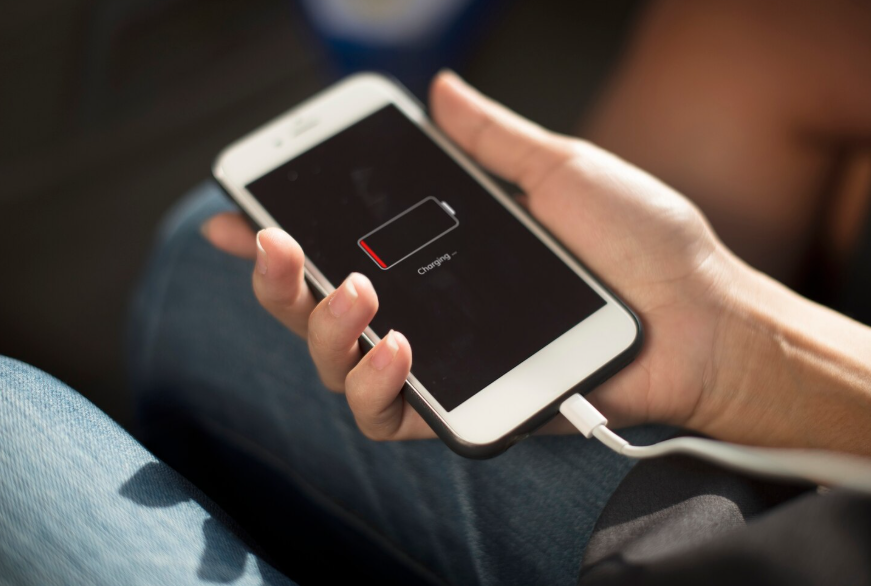
Battery Optimization
Most devices include built-in battery management settings that limit background activity for unused apps.
Discover How to Make Your Phone Battery Last Longer Without Turning Everything Off to keep your device running longer without sacrificing everyday features.
Simple Ways to Improve Device Performance
If a phone or laptop feels slow, a few quick steps often help.
- Restarting the device
- Deleting unused apps or files
- Updating operating systems
- Clearing browser data
These small actions can significantly improve performance.
Smart Tech Habits That Save Time
Technology can also make everyday tasks easier when used effectively.
- Email filters can automatically organize messages.
- Cloud storage can keep files accessible across devices.
- Password managers can improve security and convenience.
Adopting a few helpful tools can simplify digital life.
Discover Why Labeling Cords and Remotes Saves So Much Frustration Later to keep your devices organized and easy to manage.
Protecting Your Privacy Online
Basic privacy practices can reduce the risk of data misuse.
- Review app permissions periodically.
- Avoid sharing sensitive information on unsecured websites.
- Use strong passwords and two-factor authentication when possible.
These steps help create a safer online experience.
Final Thoughts
Technology should make life easier, not more complicated.
By adjusting a few settings, maintaining devices regularly, and adopting simple digital habits, it’s possible to improve both performance and security while reducing everyday tech frustrations.