
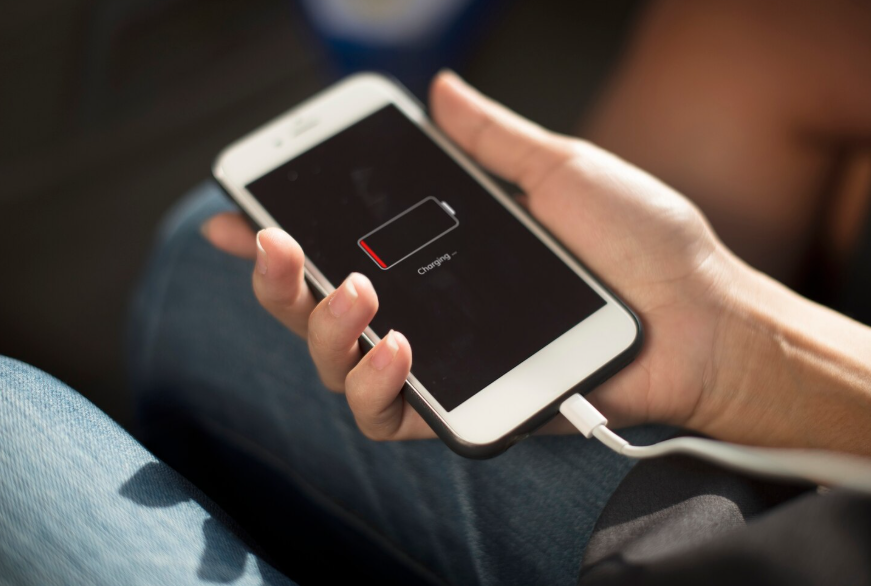
A few targeted adjustments can significantly extend battery life while keeping your phone fully usable, responsive, and connected.
Most people assume better battery life means sacrificing features. Dim the screen, kill background apps, shut off notifications, and basically turn a powerful device into a brick by mid-afternoon. In reality, battery drain is usually caused by a handful of overlooked settings that quietly work against you all day. Fixing those doesn’t require extreme measures. It requires smarter defaults.
Why Phone Batteries Drain Faster Than Expected
Battery drain isn’t just about how much you use your phone. It’s about how often your phone works when you’re not actively using it. Background processes, constant network checks, and unnecessary visual effects all pull power in small but continuous ways.
Modern phones are designed to do a lot automatically. That convenience comes at a cost. Apps refresh themselves, location services ping silently, and screens stay brighter than needed to look good in all conditions.
The result is steady energy loss that feels mysterious because it isn’t tied to obvious behavior. That’s why people blame the battery instead of the settings.
Explore Phone Settings You Should Change Right After Getting a New Device for smarter defaults.
The Screen Settings That Matter Most
Your screen is the biggest power draw on your phone, but brightness alone isn’t the whole story. Auto-brightness is usually more efficient than manual settings because it adapts to actual conditions rather than remaining unnecessarily bright indoors.
Another overlooked setting is screen timeout. Shortening it by even 15 or 30 seconds reduces the amount of time your display stays active after each interaction. Those seconds add up quickly over a full day.
High refresh rates also consume more power. If your phone supports adaptive refresh, enabling it lets the screen scale back when smooth motion isn’t needed, saving energy without sacrificing the experience.
Background Activity You Don’t Need Running
Many apps refresh content far more often than necessary. Social feeds, news apps, and shopping apps frequently update in the background even when you haven’t opened them all day.
Disabling background refresh for non-essential apps can dramatically reduce drain. You’ll still get updates when you open the app, just not constant silent syncing.
The same applies to push notifications. Notifications that don’t require immediate attention force the phone to wake repeatedly. Reducing them doesn’t just quiet your screen; it protects your battery.
Read The One Browser Setting That Makes Online Reading Easier to reduce digital strain.
Location Services That Drain Power Quietly
Location access is one of the most battery-intensive features on any phone. Many apps request “always on” access even though they only need it occasionally.
Changing location permissions to “while using” for most apps limits unnecessary tracking. For apps that only need a general location, switching to an approximate location further reduces power usage.
These changes don’t break functionality. They stop your phone from checking your location hundreds of times per day without your awareness.
Connectivity Settings That Add Up
Wi-Fi, Bluetooth, and mobile data constantly scan for connections. Leaving them all active isn’t always necessary.
If you’re on a stable Wi-Fi network, your phone uses less power than when relying on cellular data. Keeping Wi-Fi connected when available helps extend battery life.
Bluetooth is another silent drain when left searching. If you’re not actively using accessories, turning them off prevents constant background scanning.
Airplane mode isn’t required. Strategic connectivity management is enough.
See How to Stop Your Phone From Tracking Your Location All the Time for privacy adjustments.
Why Battery Saver Modes Are Better Than They Used to Be
Modern battery-saving modes are far smarter than older ones. Instead of disabling everything, they intelligently limit background activity and reduce performance only when needed.
Using battery saver earlier in the day can stretch remaining power without a noticeable impact. Many phones allow custom thresholds, so it activates before things get critical.
Think of battery saver as a governor, not an emergency brake. Used correctly, it enhances usability rather than restricting it.
Small Changes, Big Gains
You don’t need to micromanage your phone to improve battery life. The biggest wins come from removing unnecessary background work and letting your phone adapt intelligently.
Once these settings are adjusted, battery anxiety drops noticeably. Your phone lasts longer, not because you use it less, but because it wastes less energy.
That’s the difference between restriction and optimization.